TripoSG: 3D shapes from images and sketches
TripoSG turns a reference image into 3D geometry. Its separate scribble model adds a different option: a rough drawing plus a prompt can guide an early shape concept without requiring a finished reference render.
The 2025 research release focuses on shape synthesis. The main image model and the scribble-plus-prompt variant serve different starting points; neither should be confused with a complete texture, rigging, or animation pipeline.
Image input and scribble input are different choices
A reference image carries silhouette, proportions, and visible structural detail. It is a useful starting point when a product concept, prop, or character already has a clear appearance. Clean separation from the background helps distinguish the intended object from the scene around it.
The scribble variant is aimed at a looser starting point. A drawing supplies the broad form and a prompt supplies semantic direction. The released model takes both; it is not the same as unrestricted text-only 3D generation. Choose the route based on what you already know about the object.
What is distinctive about TripoSG?
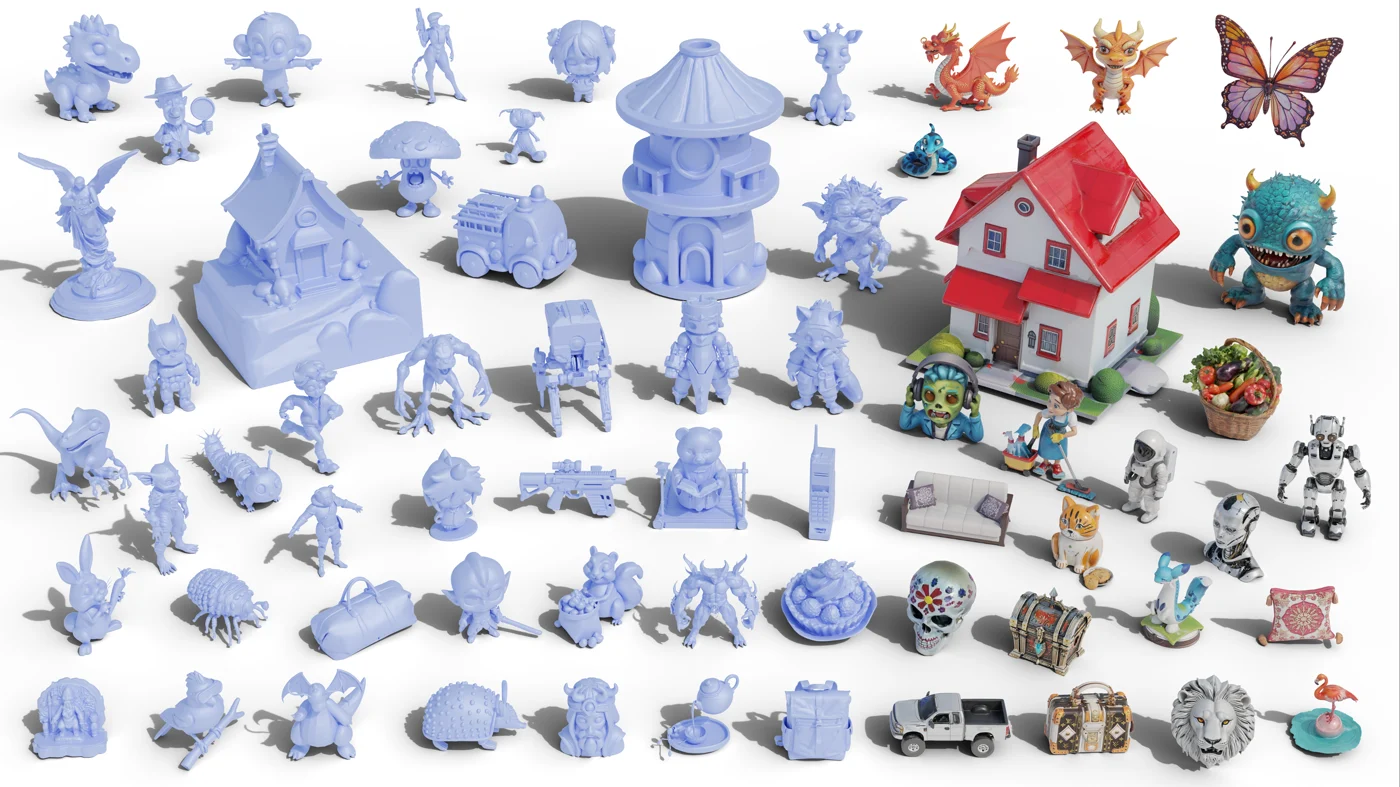
The main image release has 1.5 billion parameters and uses 2,048 latent tokens; the later scribble model uses 512 tokens for fast shape prototyping. These are separate model variants, not just two buttons on the same input interface. The official shape examples span stylized characters, organic objects, and complicated silhouettes.
For a creator, useful shape detail includes a recognizable outline, consistent proportions, and surfaces that remain plausible when rotated. A crisp front view alone does not demonstrate a correct back, a clean underside, or usable topology.
What the output gives you—and what it does not
The official inference examples export GLB geometry. A file extension tells you how an asset is packaged, not whether it includes PBR textures, a skeleton, or efficient game topology. Shape synthesis and texture synthesis are separate tasks.
Treat the result as a starting mesh for a prop, a concept, or a further modeling pass. Materials, mesh reduction, animation preparation, and printing checks depend on the destination. Keep an editable master before reducing the mesh for a viewer or game.
Game props
Review triangle count, silhouette at game-camera distance, and material slots.
Product concepts
Check proportions and unseen surfaces; an inferred shape is not a dimensionally accurate scan.
Printing
Inspect closed geometry, wall thickness, and scale before producing a print file.
A useful comparison starts with the exported mesh
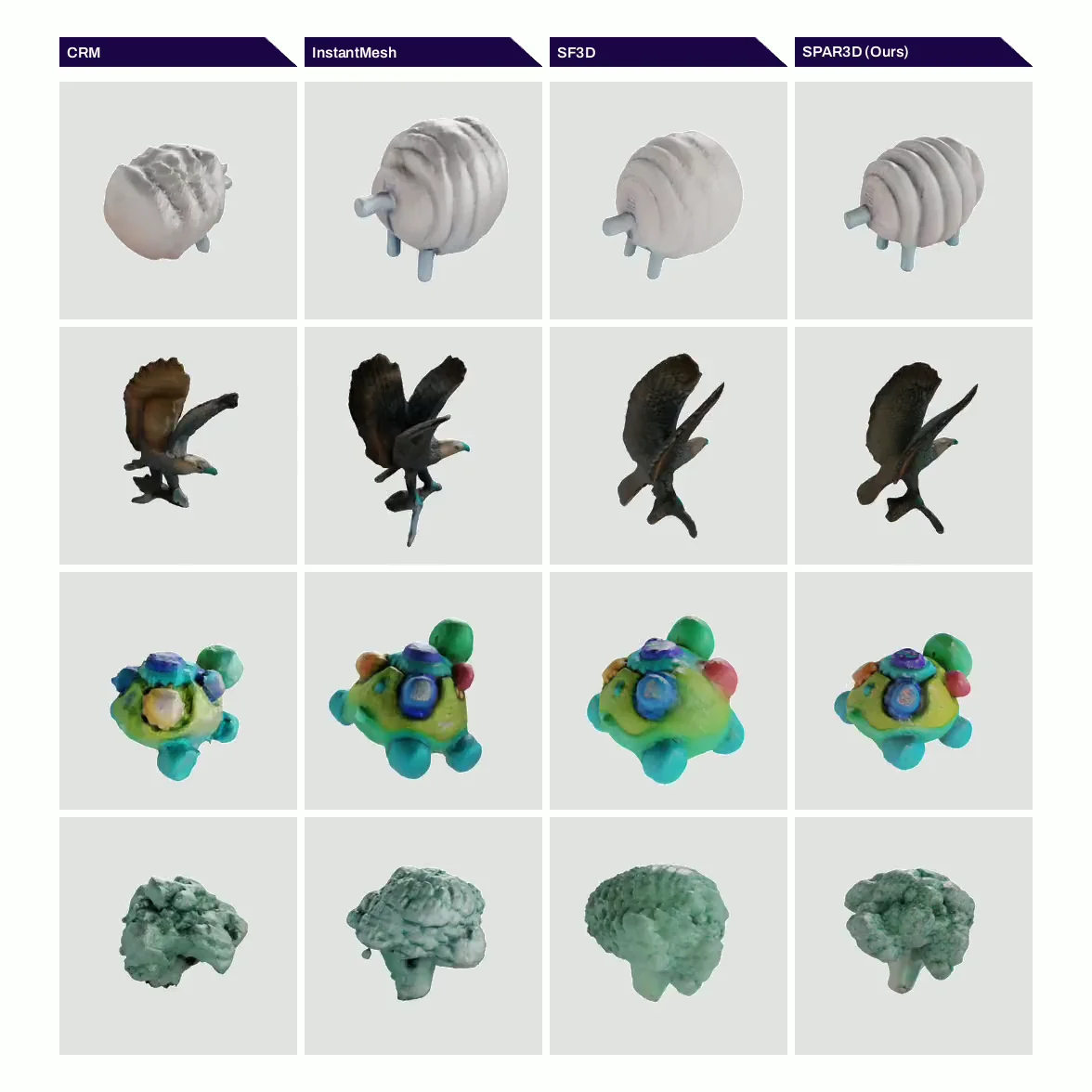
Compare different outputs with the same reference and camera views. Inspect a neutral, untextured render as well as any finished preview. This makes gaps, rough surfaces, and merged components easier to notice.
The fastest practical test is whether the result saves work on your actual object. A simple, coherent mesh can be more useful than a dense result with attractive shading but difficult proportions. For commercial work, check the terms for the model and any assets used as references.
Frequently asked questions
Is TripoSG a text-to-3D model?
The main model is image-conditioned. The separate scribble variant uses a drawing together with a prompt; that is not the same as text-only generation.
Does TripoSG produce a fully textured GLB?
The project centers on shape synthesis. GLB export alone does not imply a PBR texture set, a rig, or an animation-ready model.
What references are most useful?
Use one clearly visible object with a readable silhouette and enough visible volume. Review hidden sides and exact proportions after generation.
Turn your own idea into a 3D asset
Start with a clear reference image or a focused prompt, then review the exported model before using it in your project.
Generate a 3D model