
Text to 3D
Use prompt-only generation when you do not have a reference image yet. Best for simple objects, stylized props, creature busts, and draft product shapes.
Open Text 3DProfessional AI 3D Model GeneratorText to 3DImage to 3D
An AI 3D model generator for text and image workflows. Create draft 3D models from focused prompts or clear reference images, then export models for Blender, games, AR previews, and 3D printing preparation.
Open the 3D editor, choose a model, and generate when your prompt or image is ready.
Generator
Choose the workflow that matches your source. Text prompts work best for idea exploration, while image input is stronger when object shape and silhouette matter.
Solutions
Pick the path that matches your input. Prompt-only creation, image-based generation, and STL preparation each work best with different source material.
Use prompt-only generation when you do not have a reference image yet. Best for simple objects, stylized props, creature busts, and draft product shapes.
Open Text 3DUse image-based generation when you have a product photo, sketch, mascot reference, icon, toy, or object silhouette that should guide the model.
Open Image 3DTry the image to 3D converterStart from high-contrast images and use the generated 3D model as a base for STL cleanup, scaling, and printability checks.
See printing workflowExamples
Use these categories to match the generator path to the asset you actually need.
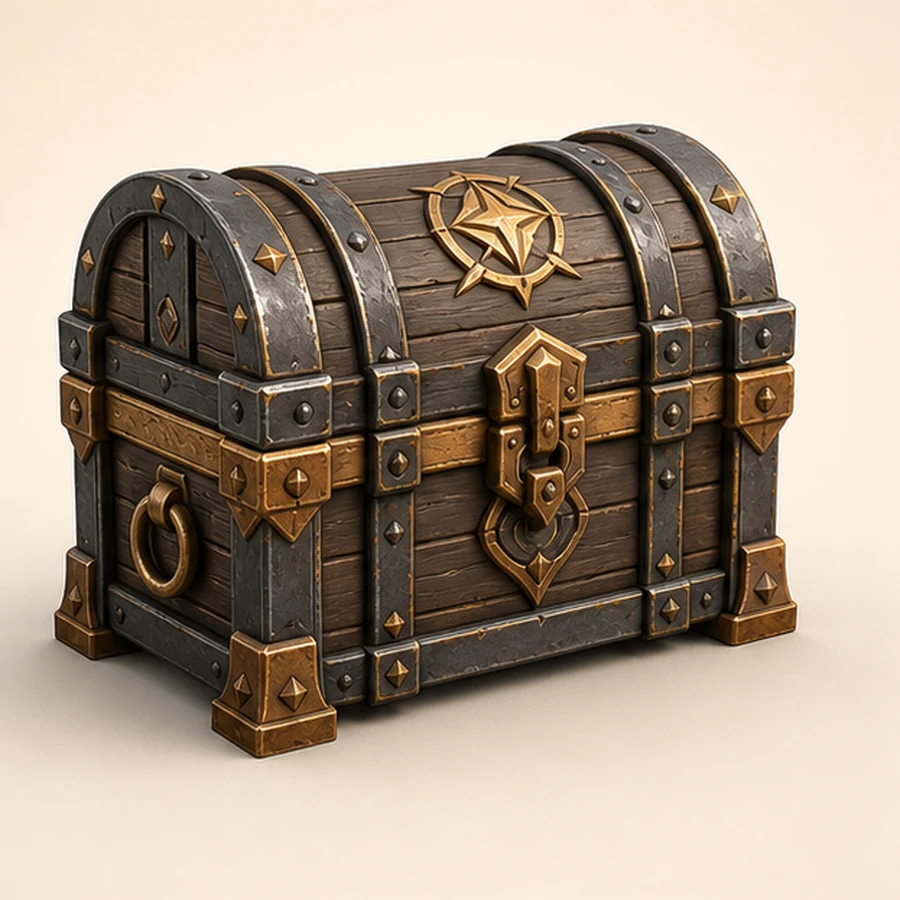
Prototype weapons, crates, pickups, furniture, and world objects before rebuilding final production assets.
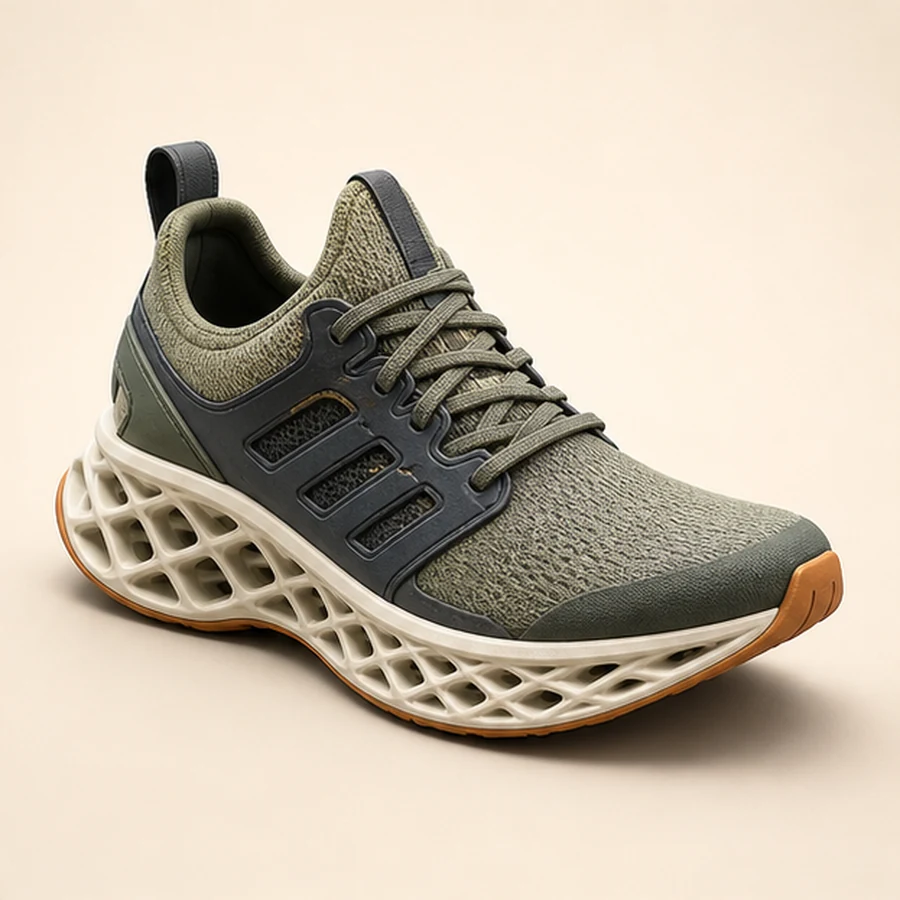
Turn packaging references, concept sketches, and product shots into rough 3D previews for iteration.
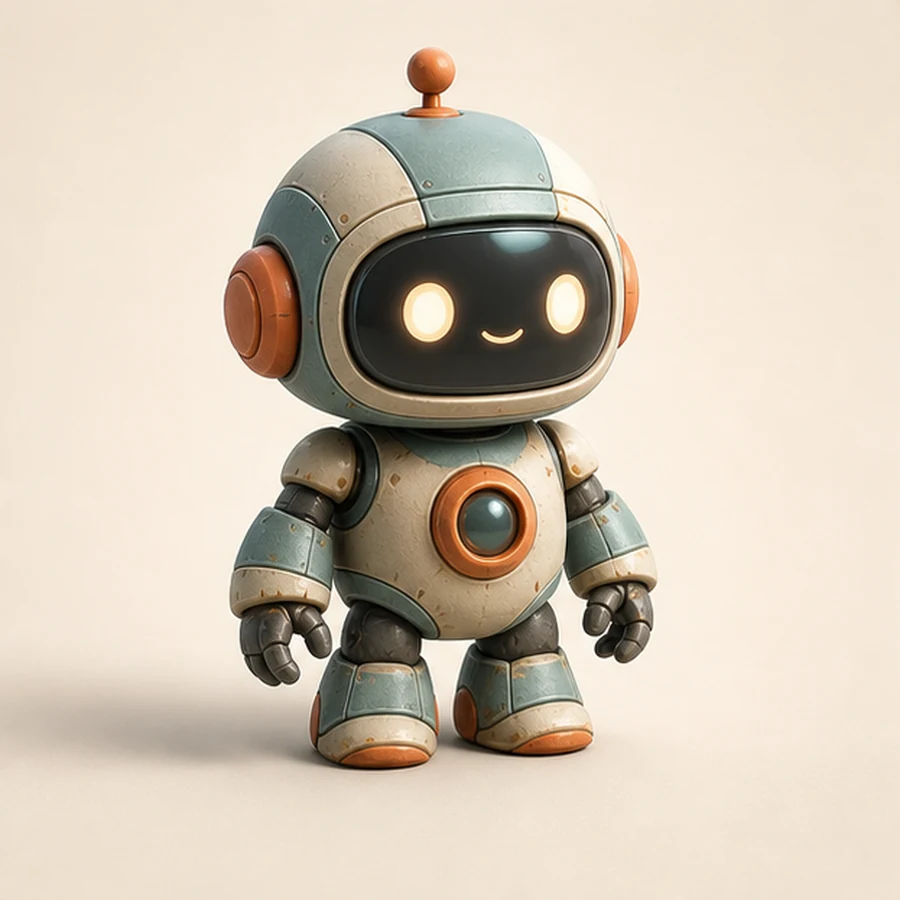
Start from icons, ornaments, toys, and simple objects, then continue with cleanup before printing.
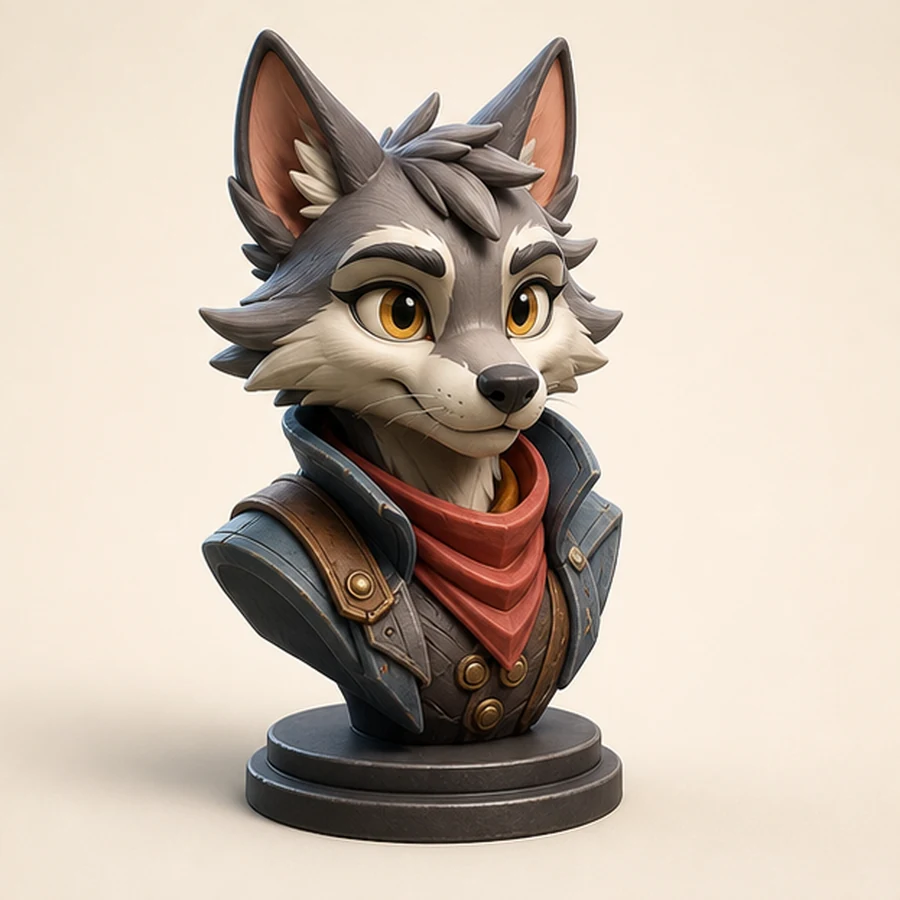
Create creature, mascot, and stylized character blockouts from a prompt or clear image reference.
3D Workflows
3D AI tools are strongest for fast model drafts. Inspect and refine the model after generation.
Turn standard product photos into 3D models ready for your printer. Get a precise base model that you can scale and clean up for a perfect physical result.
Design custom characters and mascots in minutes. Ideal for early-stage game design and animation blockouts where consistency and shape matter most.
Skip the tedious modeling phase. Import AI-generated assets into Blender or Unity to start refining shape, materials, and details.
Use 3D AI generation for concept validation, game jams, AR mockups, ecommerce previews, and early design reviews where speed matters.
Compare Options
Text to 3D is faster when you are exploring ideas. Image to 3D is stronger when shape fidelity matters. Both paths work best as a starting point before final cleanup.
About 3D AI
Discover how 3D AI Maker is streamlining the path from creative concept to production-ready assets.
Traditional 3D modeling has always been a labor-intensive process, requiring hours of manual vertex manipulation and UV mapping. 3D AI Maker leverages generative AI to collapse this workflow into seconds and create strong starting meshes for creative work.
Whether you are converting a JPG to STL for 3D printing or generating a character bust for a game jam, the transition from 2D data to 3D geometry is now more accessible. The workflow is built around GLB assets that can move into Blender, Unity, and Unreal.
For creators focused on mockups or 3D concepts, the goal is to reduce friction between imagination and realization. Designers, indie game developers, and 3D printing enthusiasts can iterate faster and bring ideas into review sooner.
FAQ
Yes. Use the Text to 3D tool to start generating. The engine creates high-fidelity 3D models from your text prompts.
Yes. Use the Image to 3D route when you have a source image, product photo, sketch, icon, toy, prop, or character reference.
3D AI Maker uses credits for generation. You can review the current credit options before starting a model.
Yes, but only for local preview. The file is not uploaded from this page; upload it again after the Image to 3D editor opens.
Yes. The editor is designed around standard 3D model formats such as GLB export for Blender and game engines. For 3D printing, inspect the model, scale it, and run mesh cleanup before slicing.
No. 3D AI Maker is independent and is not affiliated with Blender, Meshy, Tencent, Hunyuan, or any other third-party 3D AI brand.
Choose text-to-3D or image-to-3D generation and start creating.