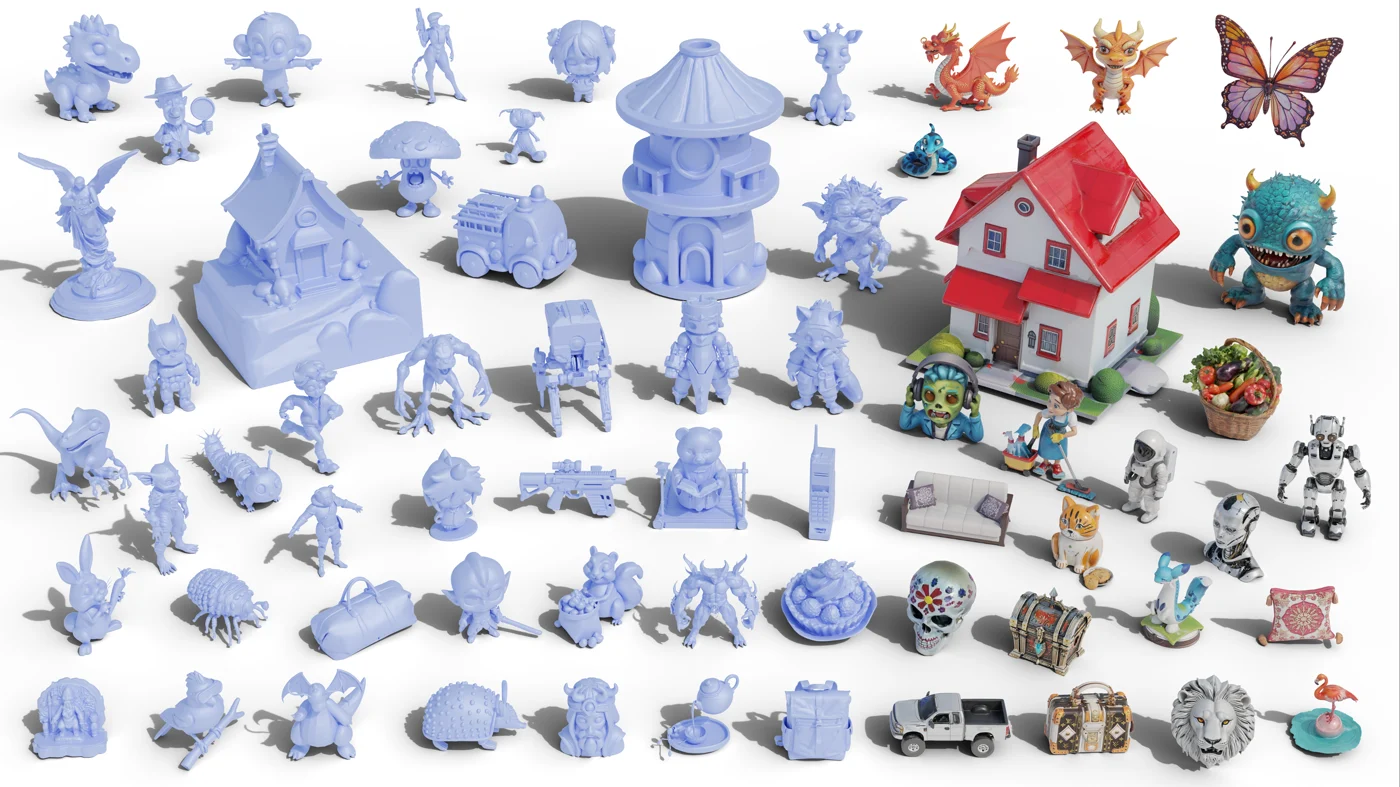
SPAR3D: image-to-3D with editable point clouds
A single photo shows only part of an object. SPAR3D adds a point-cloud representation between the image and the final mesh, giving reconstruction extra shape information—and a way to influence surfaces hidden from the camera.
Stable Point Aware 3D builds on Stable Fast 3D. Its distinctive feature is editable point conditioning: changing the point representation can change the reconstructed object rather than only repainting its surface.
Why the back of an object is difficult
A frontal image can reveal color and silhouette while hiding depth, the underside, and the back. An image-to-3D model must infer those missing surfaces. Two plausible interpretations can fit the same photograph, especially for thin structures or asymmetric objects.
SPAR3D conditions mesh reconstruction on a point cloud as well as the image. The cloud can be predicted from the reference and can also be edited. The useful distinction is explicit influence over 3D shape, rather than depending entirely on the image model’s hidden assumptions.
What point-cloud control changes
Points give the reconstruction stage a spatial description of the intended object. Changing their arrangement can influence a protrusion, an outline, or missing back-side volume. This is a shape control mechanism, not the same as changing a texture or moving the preview camera.
It is also not unrestricted polygon editing. The system reconstructs a mesh from the conditioning, so the result still has to be judged as a whole. Added points do not automatically establish precise dimensions, clean topology, or a correct mechanical assembly.
Which projects benefit from this approach?
A stylized prop, an organic object, or an asymmetric concept can benefit when its unseen side matters. For a static preview, the central question may be visual coherence. For animation or manufacturing, the same result has additional topology and dimensional requirements.
The official project also targets improved material prediction and exports reconstructed assets as GLB. That is useful for inspection in a 3D viewer, but material support and appearance should be checked in the destination renderer, not assumed from the file extension.
Hidden geometry
Rotate the asset and inspect the back, underside, and narrow connections.
Materials
Check texture packaging and the response to neutral lighting.
Further editing
Review topology, scale, and component boundaries before rigging or printing.
How to read the official examples
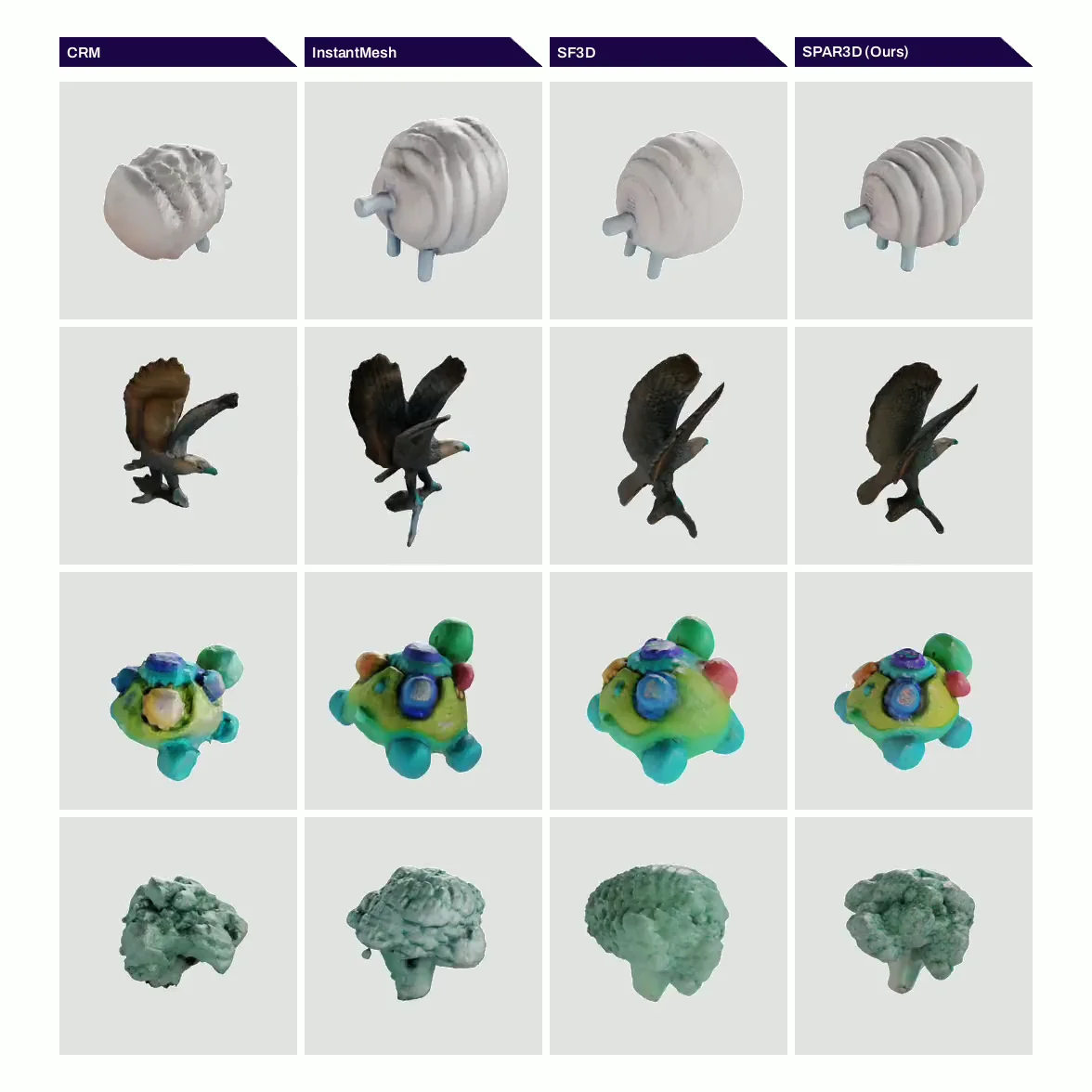
The published comparison shows multiple objects from rotating views, making back-side differences easier to see than in a single beauty render. It is an illustration of the reconstruction approach, not a guarantee for every uploaded image.
For your own project, judge whether the shape stays consistent across views and whether the extra control addresses the part you need to change. A believable surface can still contain intersections or thin walls, so an export review remains worthwhile.
Frequently asked questions
What does SPAR3D stand for?
Stable Point Aware 3D. It is an image-to-3D reconstruction approach that uses point-cloud conditioning to influence the reconstructed mesh.
Is editing the point cloud the same as editing the final mesh?
No. The points condition a subsequent reconstruction. Precise polygon edits, rigging, and mechanical constraints are separate tasks.
Does SPAR3D recover the exact unseen side of a photo?
No single image establishes the exact hidden geometry. Point conditioning adds control, but the result remains a reconstruction that needs review.
Turn your own idea into a 3D asset
Start with a clear reference image or a focused prompt, then review the exported model before using it in your project.
Generate a 3D model