
Good reference images
Product photos, toy images, character sheets, clean sketches, icons, props, packaging references, and single-object images.
Image to 3D AIReference image to modelGLB and STL prep
Upload a clear object photo, sketch, product reference, icon, toy, prop, or character image to guide AI 3D generation. Use the result as a draft model for Blender, game assets, AR previews, or 3D printing preparation.
A cleaner reference image usually matters more than a longer prompt.
Image Quality
Think of the reference image as geometry guidance. If the photo hides the shape, the generated model will have to guess.
Product photos, toy images, character sheets, clean sketches, icons, props, packaging references, and single-object images.
Busy backgrounds, full rooms, transparent objects, reflective glass, motion blur, cropped objects, and images with many subjects.
Inspect the model, compare it with the source, then refine scale, orientation, topology, and texture behavior in your 3D tool.
Use Cases
Use image guidance when visual identity matters more than pure prompt exploration.
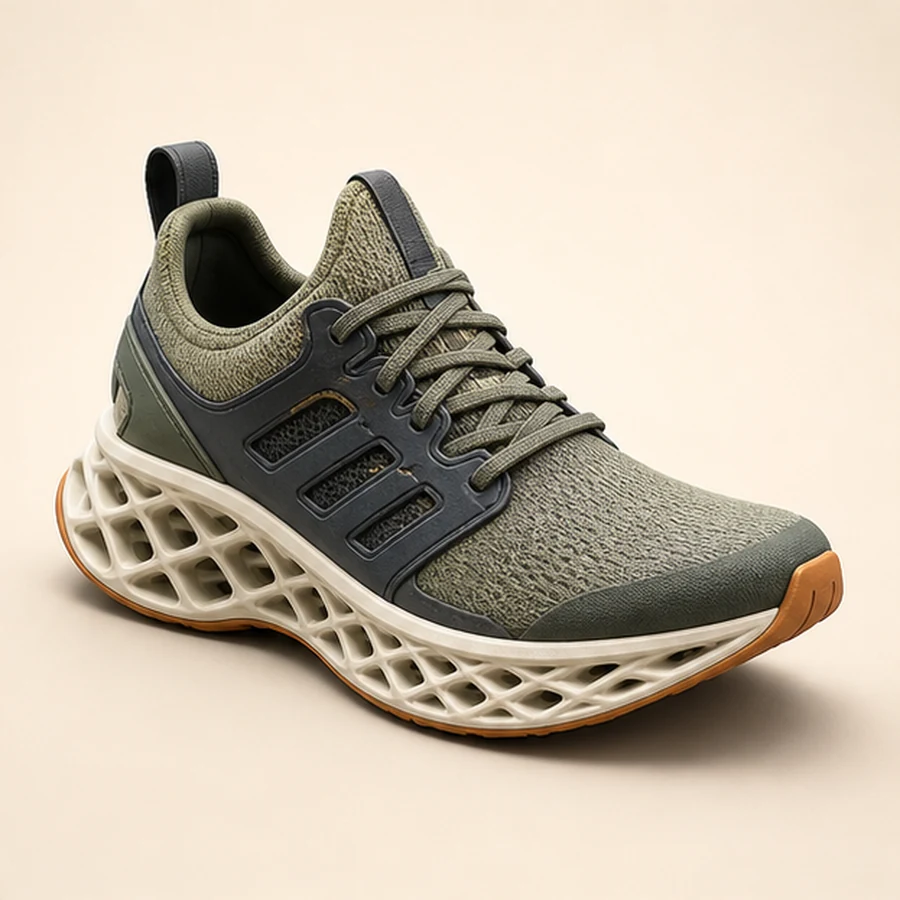
Turn a product reference or concept sketch into a rough 3D preview for iteration and discussion.
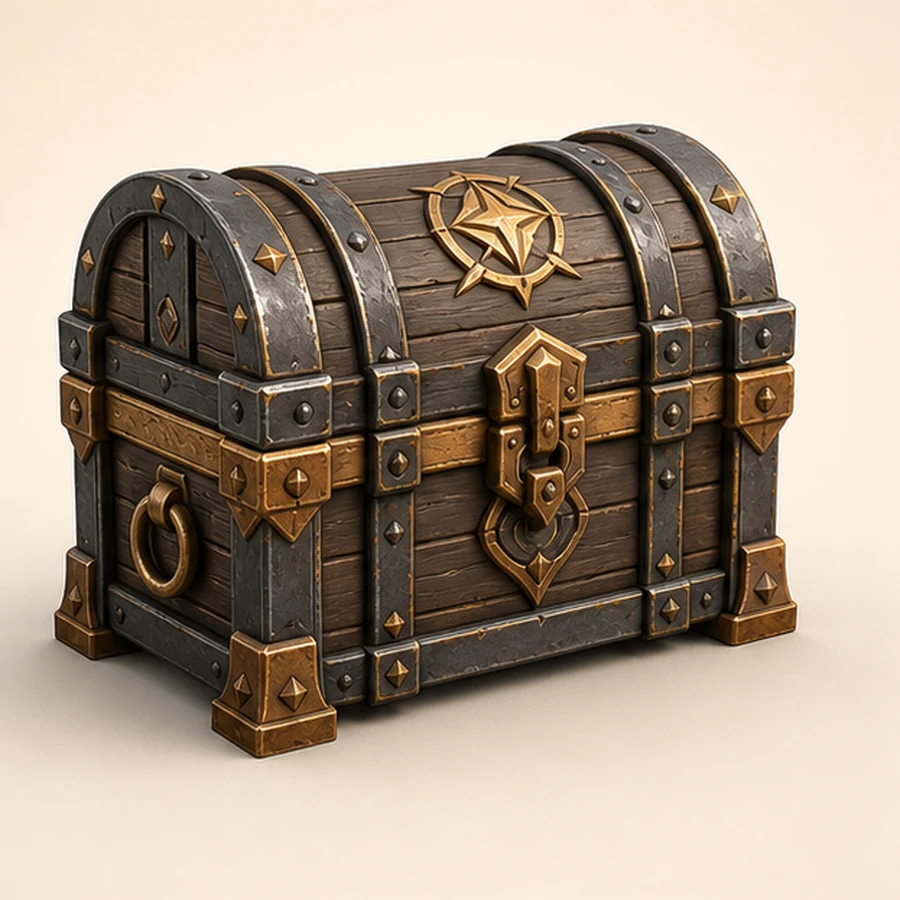
Use icons, props, weapons, crates, collectibles, and reference drawings as starting points for game assets.
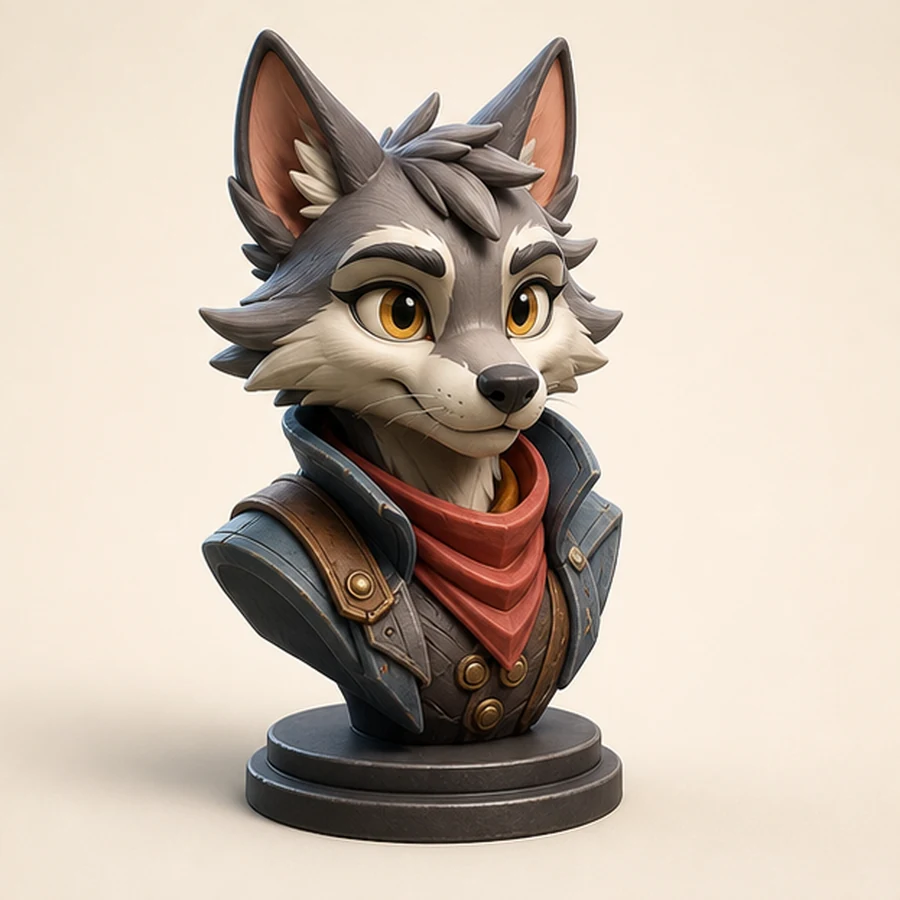
Convert mascot or character references into model drafts for concept review and cleanup.
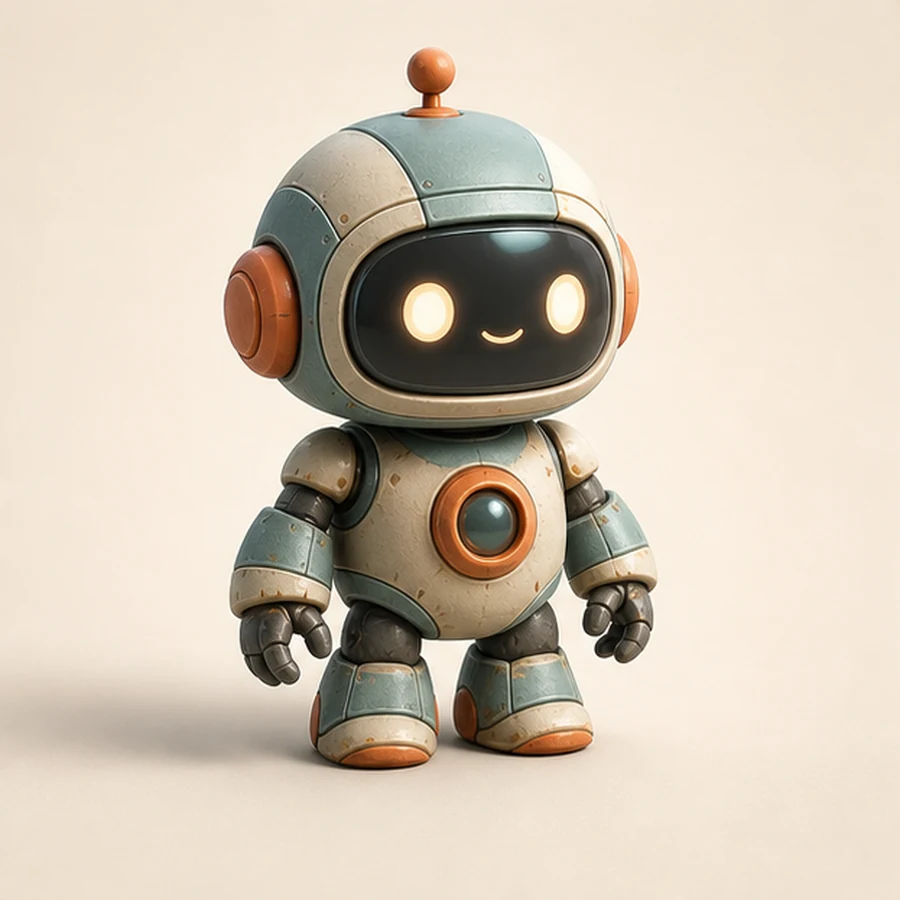
Use simple shapes as a draft, then run mesh cleanup, thickness checks, and slicer review before printing.
Model Export
AI image to 3D generation speeds up the first model. Inspect the result carefully when the model will be used in production.
Use the generated model as a draft, then refine mesh quality, normals, materials, and scene scale.
For STL workflows, check manifold geometry, wall thickness, overhangs, small parts, and scale before sending the model to a slicer.
FAQ
This workflow is better for single objects than full scenes. For crowded images, crop to the object you want to convert.
No. Treat the output as a visual and geometry estimate. Measure, scale, and verify dimensions in your 3D software.
It can create a model that may be prepared for STL use, but print-ready output requires cleanup and validation before slicing.
Start with a clean reference image and inspect the generated model before using it in a project.